How to access the tracking panel of "My Tickets".

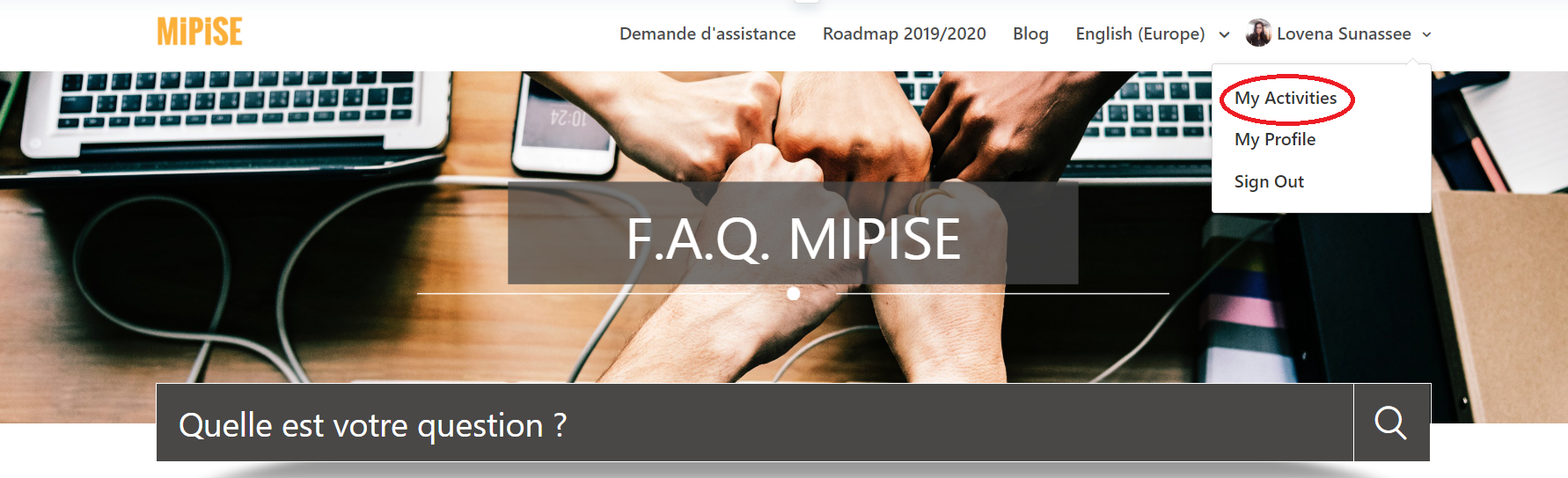
You have access to all your tickets created in Zendesk (yours and those of your organisation) via the "My Activities" tab on your login page.
You can sort by creation or activity date (last answer), you can display only the open tickets, resolved or pending tickets, and you can also simply search for a ticket by keyword or ID in the request search field.
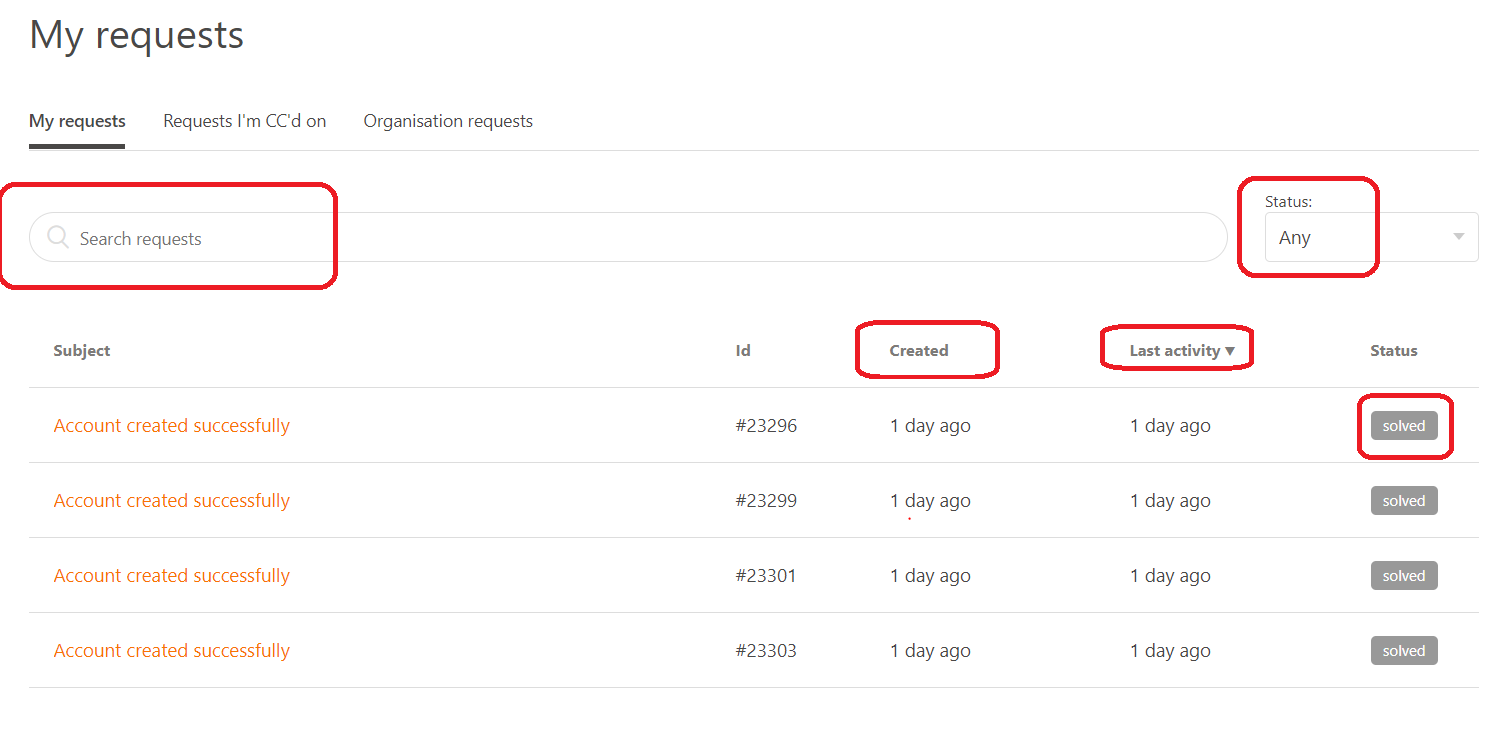
To view the ticket, simply click on its title.
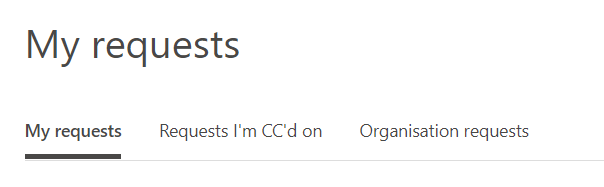
You have access to your own tickets, queries on which you are in copy as well as all requests of your organisation (company).
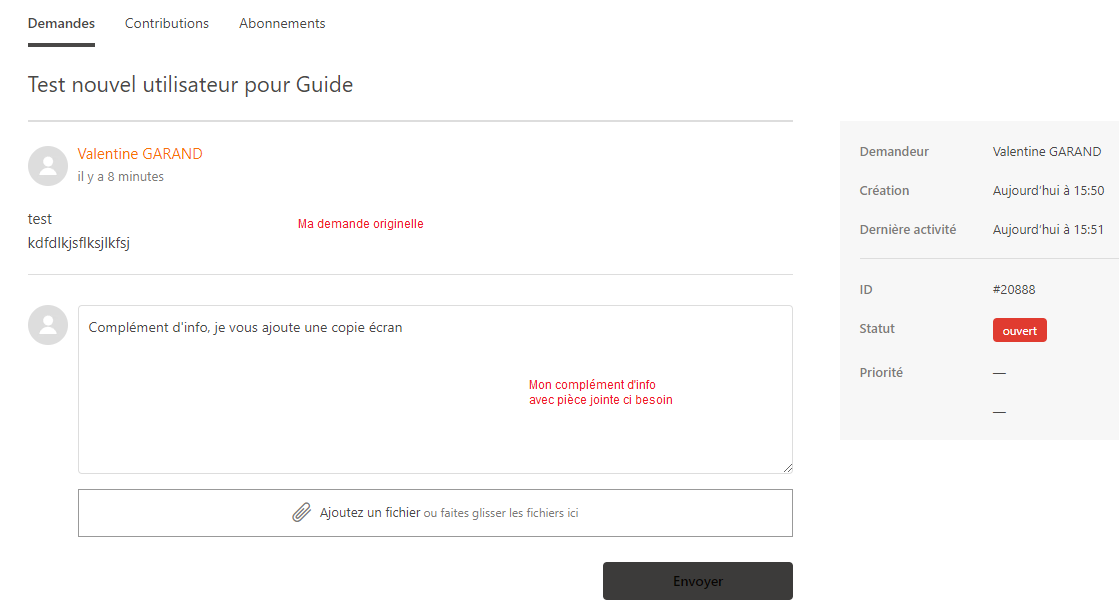
By clicking on the title of the ticket, you can access the ticket story window where you can check the status of your ticket, review the history of your request, complete it by adding additional information, an attachment...
Comments
0 comments
Please sign in to leave a comment.