Client Portal Access and Login

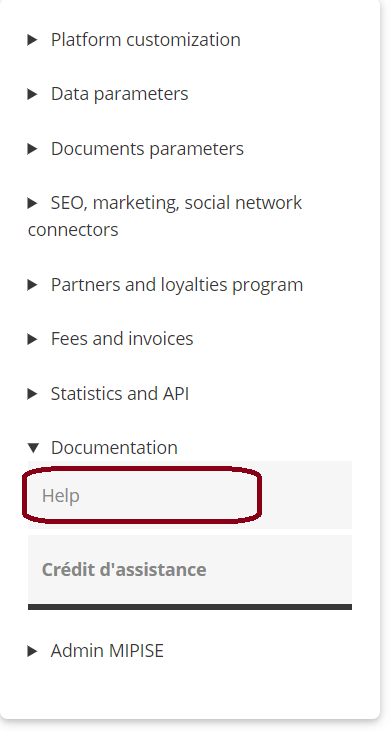
You can now access the MIPISE customer portal via the Help link in the vertical menu on the Manager section.
For your first connection, you will need to complete the creation of your Zendesk account.
NB if you already wrote to us for help, then you are already pre-registered.
On the first page, click on the link Get a password,
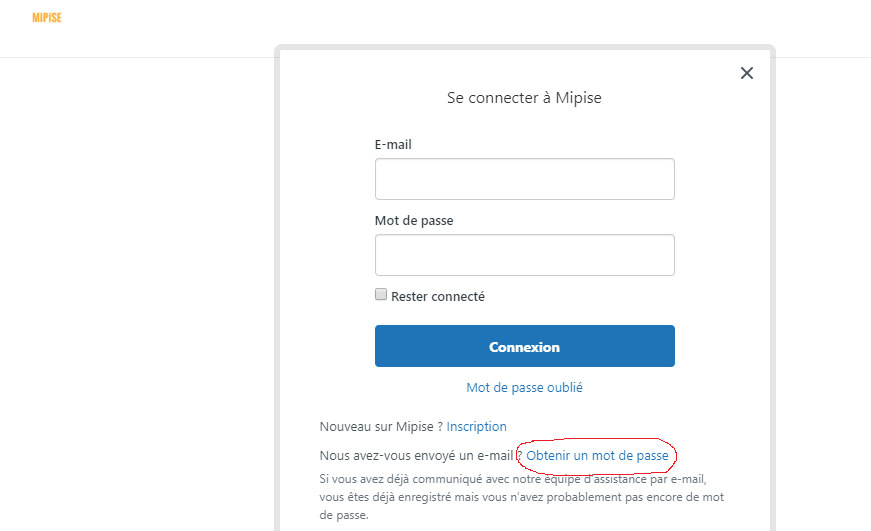
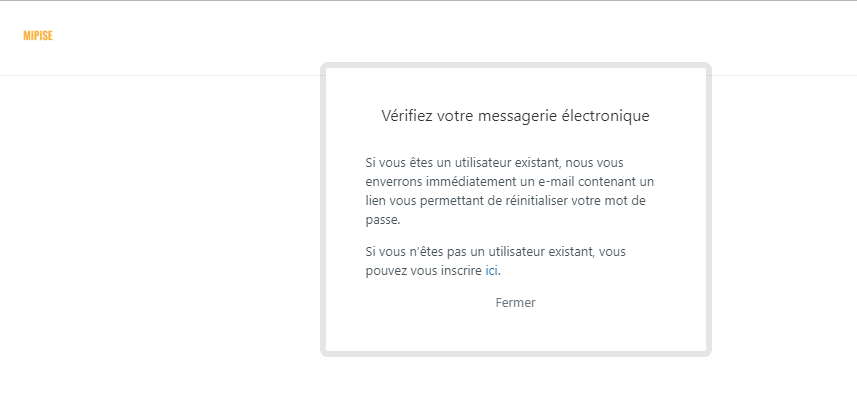
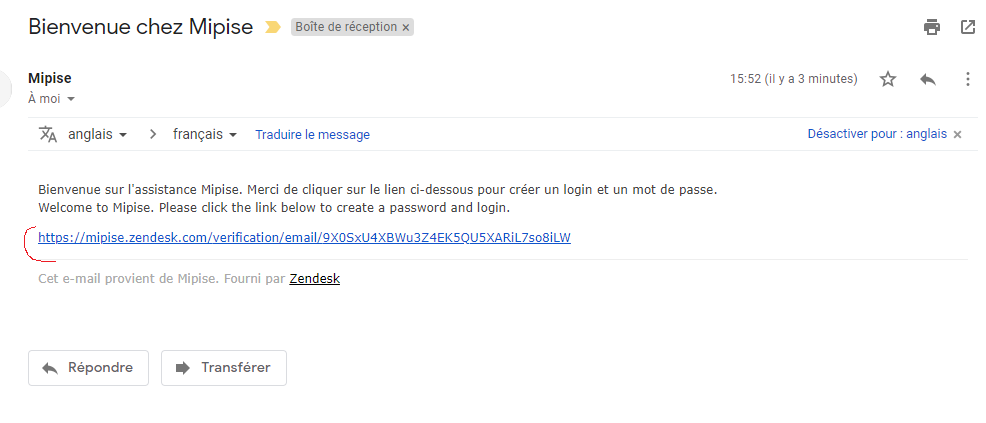
then insert your email address and click on the link received in your mailbox to validate your account.
Next, create your password and you will be redirected to your customer portal.
Comments
0 comments
Please sign in to leave a comment.